
Using
Obsidian
Last reviewed
My second brain. Plain Markdown files on my own disk, linked the way I think. I write down what I know I'll forget, so my head stays free for the creative part.
Why a second brain
- I'm not built to remember everything, and I don't need to. David Allen said it best: the mind is for having ideas, not holding them.
- While I learn something new, the vault holds my short-term memory, so I can keep going.
- I don't document for myself. I note what I know I'll forget: the command, the fix, the reason behind a decision.
- The notes have to stay up to date and relevant.
- I link my thinking instead of filing it (Nick Milo's Linking Your Thinking). A new note connects to what I already know, and the structure grows out of those links.
Why Obsidian
- Everything is plain Markdown in a folder I own. No proprietary format like OneNote's; if Obsidian disappears, my notes still open in any editor.
- A link between two notes is
[[and a name. Rename a note and Obsidian updates every link to it. - Code blocks with highlighting, so commands stay ready to copy.
- Over 8,000 community plugins. The ones I use most:
- Excalidraw: sketch diagrams locally, inside the vault
- Dataview: query notes like a database
- Calendar and Chronology: find notes by day
- Advanced Tables, Code Styler, Find orphaned files and broken links
- This site runs on the same vault setup: Obsidian to Ghost publishing.
My graph
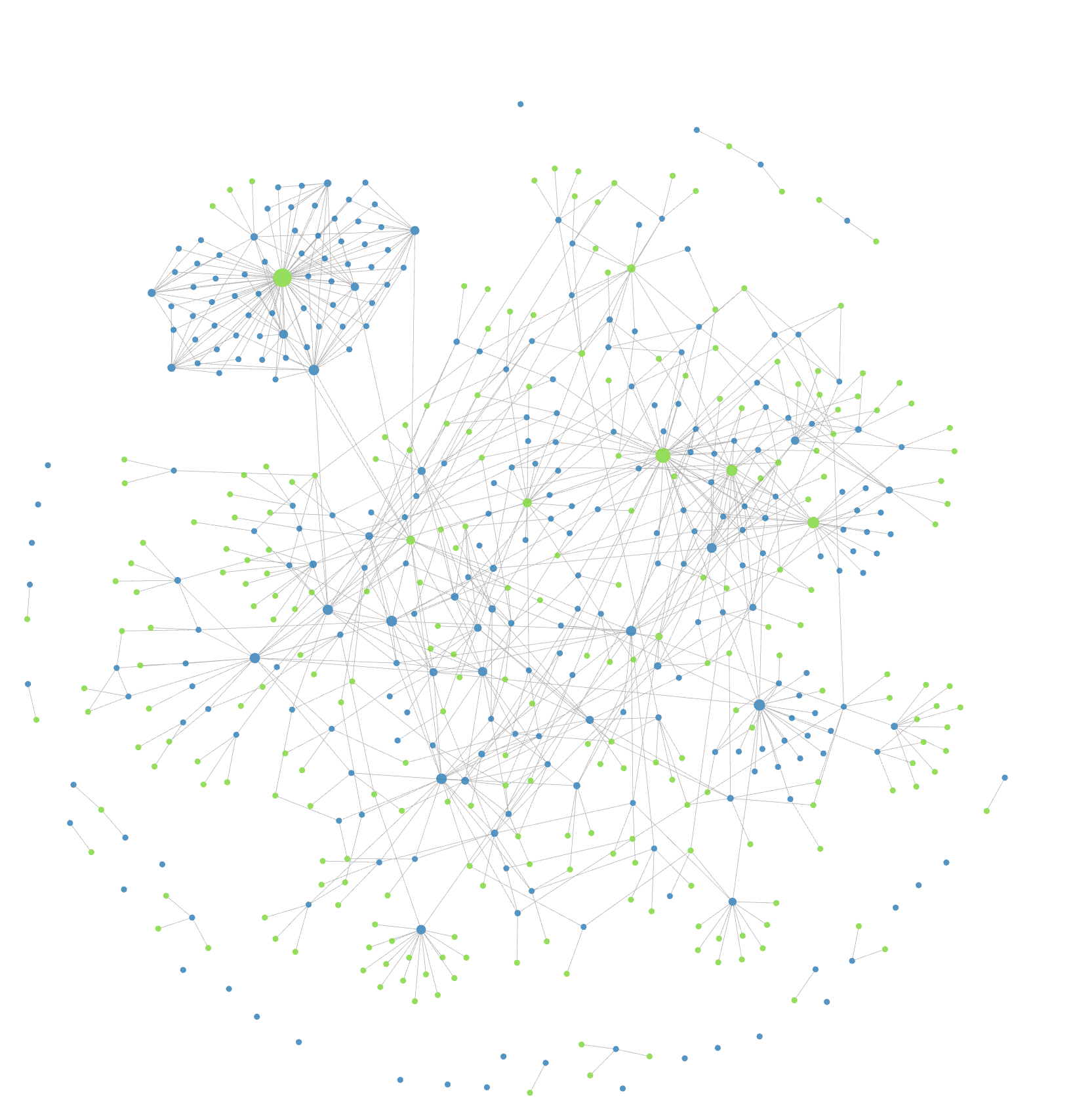
Links
- Obsidian — Download and pricing.
- Obsidian help: internal links — Link syntax and automatic link updates.
- Linking Your Thinking — Nick Milo's approach to linked notes and Maps of Content.
- File over app — Steph Ango on why notes should outlive the app.
- Building a Second Brain — Tiago Forte's CODE method.
- Excalidraw plugin — Hand-drawn diagrams inside the vault.
History
- 26 Sep 2026 Added as Using.