Deploy Code Snippets to Linkedin - n8n Workflow
I asked myself, "Could I automate this entirely?" Could I just push a file to a GitHub repository and have n8n handle the rest—writing the caption, generating a beautiful code snippet image, and publishing it to LinkedIn automatically?
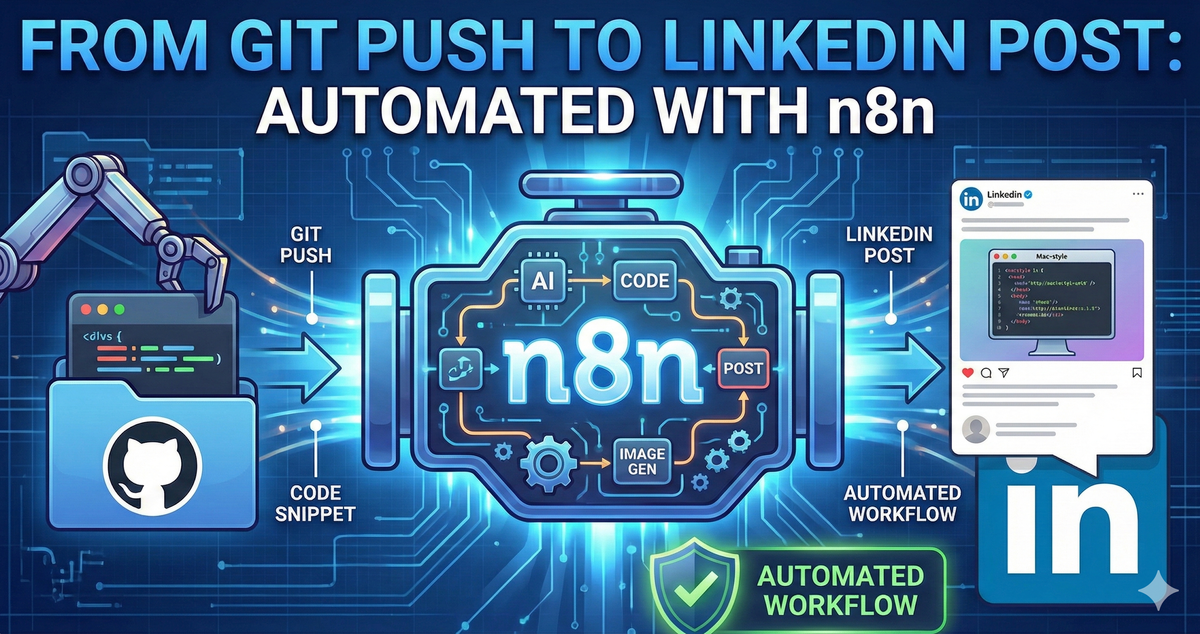
From Git Push to LinkedIn Post: An Experiment with n8n
The "What If" moment: I was staring at a piece of Bicep code I wanted to share on LinkedIn. The process is usually the same: take a screenshot (or use a tool like Carbon to make it look nice), save the image, open LinkedIn, write a caption, upload the image, and hit post.
It’s not hard work, but it’s context-switching friction.
The experiment: I asked myself, "Could I automate this entirely?" Could I just push a file to a GitHub repository and have n8n handle the rest—writing the caption, generating a beautiful code snippet image, and publishing it to LinkedIn automatically?
I didn't build this to solve a critical production crisis. I built it because n8n is an open canvas, and I wanted to see if I could wire together GitHub, Generative AI, an Image Generation API, and LinkedIn into a single, seamless flow.
Here is how I turned a git push into a social media manager.
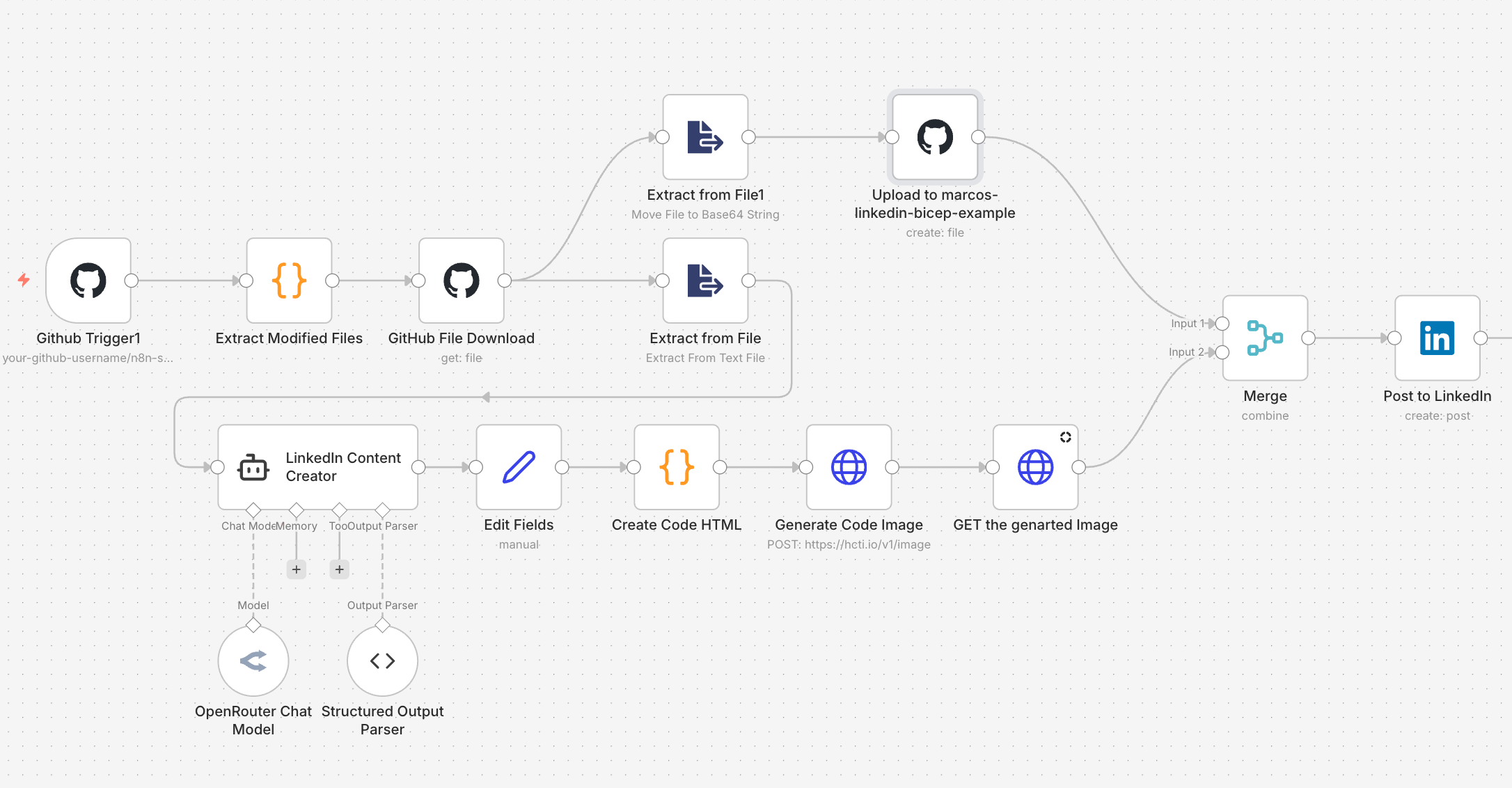
The Workflow Architecture
The concept is straightforward: I want to treat my LinkedIn feed like a deployment target.
The Flow
GitHub Push
   ↓
n8n Webhook Trigger
   ├─ 1. Analyze Code (LangChain + AI)
   │     └─ Writes the LinkedIn post copy
   │
   ├─ 2. Generate Visuals (HTML + HCTI API)
   │     └─ Creates a "Mac-window" style code image
   │
   └─ 3. Publish
         ├─ Uploads image back to GitHub (for storage)
         └─ Posts text + Link + image to LinkedIn
Total complexity: Easy.
Fun factor: High.
Under the Hood: The "Magic" Nodes
While the workflow has many steps, three specific nodes do the heavy lifting that makes this experiment interesting.
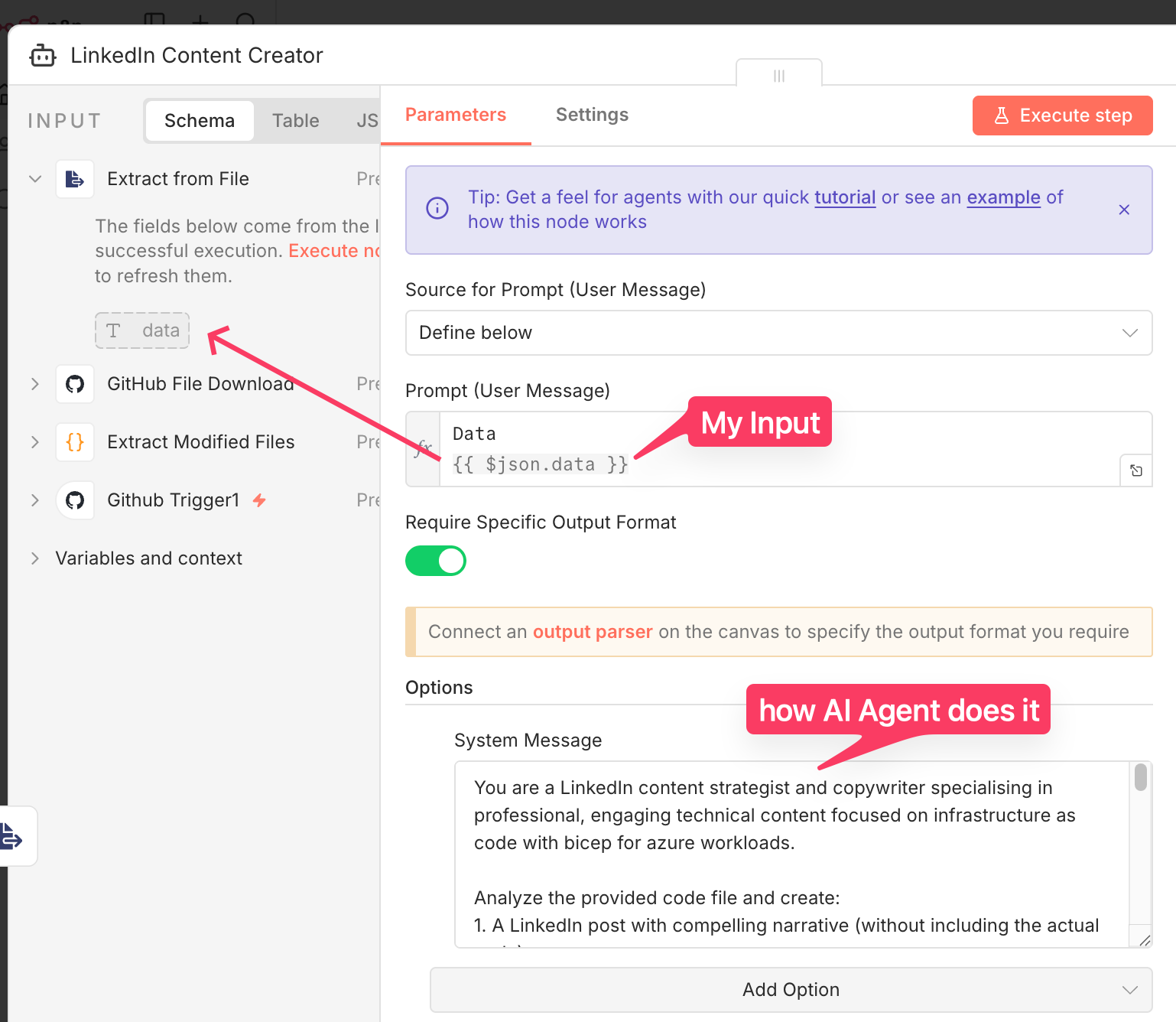
1. The AI Content Strategist (LangChain)
Instead of writing the post myself, I offloaded it to an AI agent. I used the LangChain Agent node in n8n connected to an OpenRouter chat model.
The Prompt:
I gave the AI a specific persona:
"You are a LinkedIn content strategist and copywriter specialising in professional, engaging technical content... Analyze the provided code file and create a LinkedIn post with a compelling narrative."
I also asked it to extract the most interesting 10-20 lines of code so we don't overwhelm the viewer.
Why this matters: This turns a raw code file into a story. The AI analyzes what the code does (e.g., "This Bicep module deploys a storage account") and writes a hook that explains why it’s valuable.
2. The "Pretty" Code Generator (HTML + CSS)
You know those nice code screenshots you see on Twitter/X with the Mac-style window dots (🔴 🟡 🟢)? I didn't want to use an external tool manually, so I generated the HTML for it programmatically inside n8n.
I used a Code Node to construct a raw HTML string using Prism.js for syntax highlighting and some custom CSS for the window styling:
javascript
JavaScript
// A snippet of the logic inside the Code Node
const html = `
  <div class="code-container">
    <div class="header">
      <div class="dot dot-red"></div>
      <div class="dot dot-yellow"></div>
      <div class="dot dot-green"></div>
    </div>
    <pre><code class="language-${language}">${codeSnippet}</code></pre>
  </div>
`;
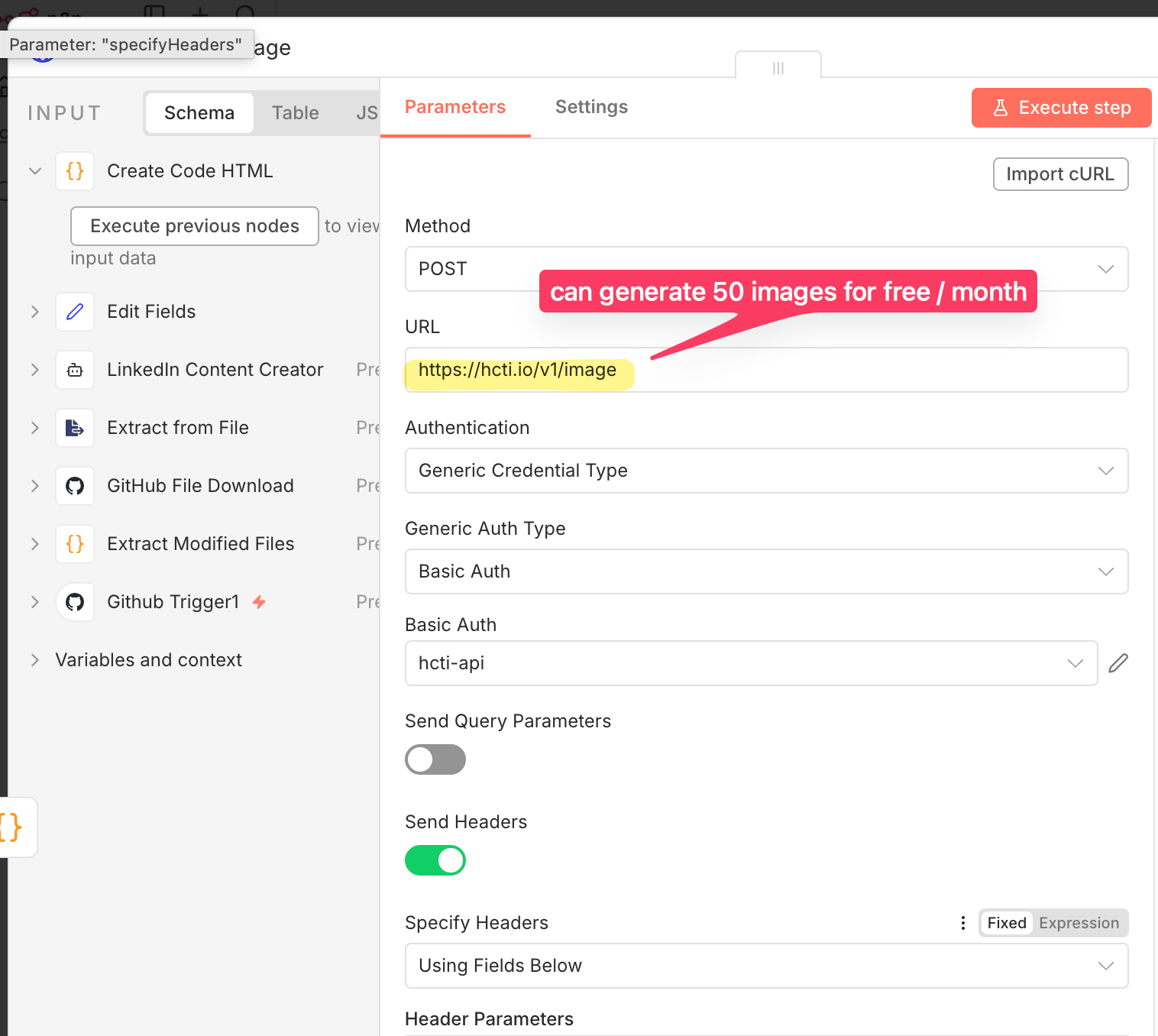
3. The Image Factory (HCTI API)
HTML is great, but LinkedIn needs an image. I sent the HTML string from the previous step to HCTI.io (HTML/CSS to Image API).
The exchange:
-
Input: My custom HTML string + Google Fonts preference ('Fira Code').
-
Output: A URL to a perfectly rendered PNG of my code snippet.
The Result
When I push a file to my n8n-socialmedia repository, the workflow kicks off. About 30 seconds later, a post appears on my LinkedIn profile.
-
The Text: Written by AI, hashtagged correctly, and seemingly written by a human.
-
The Image: A clean, high-resolution code snippet that looks professionally designed.
Is it perfect? Not always. Sometimes the AI focuses on the wrong part of the code, or the image cropping is slightly off. But as a proof of concept, it works surprisingly well.
Why n8n?
This experiment highlights why I love working with n8n. It is endpoint agnostic.
If I were trying to build this using rigid integrations (like "Zapier GitHub to LinkedIn"), I would be stuck. I wouldn't be able to:
-
Inject a custom HTML rendering script in the middle.
-
Parse the code with an LLM using a complex system prompt.
-
Handle the logic of "modified files" vs "added files" from the Git commit.
The Limit is Imagination
This workflow isn't changing the world, and I might not use it for every single post. But it proves that with n8n, you can glue together anything.
-
Want to auto-generate documentation from code? You can.
-
Want to create a daily digest of your commits and email it to your boss? You can.
-
Want to post to LinkedIn directly from VS Code? Apparently, you can do that too.
If you have an API key and an idea, you can probably build it.
Have you built any "just for fun" experiments in n8n recently? I'd love to see what weird or wonderful workflows you've come up with. Let me know in the comments!
Complete Workflow available to members (free).